Anthropic, PBC
$20.00
Keep using email, text, and QuickBooks the way you already do. APStack captures, checks, and prepares bills behind the scenes—so you only handle the decisions that need you.
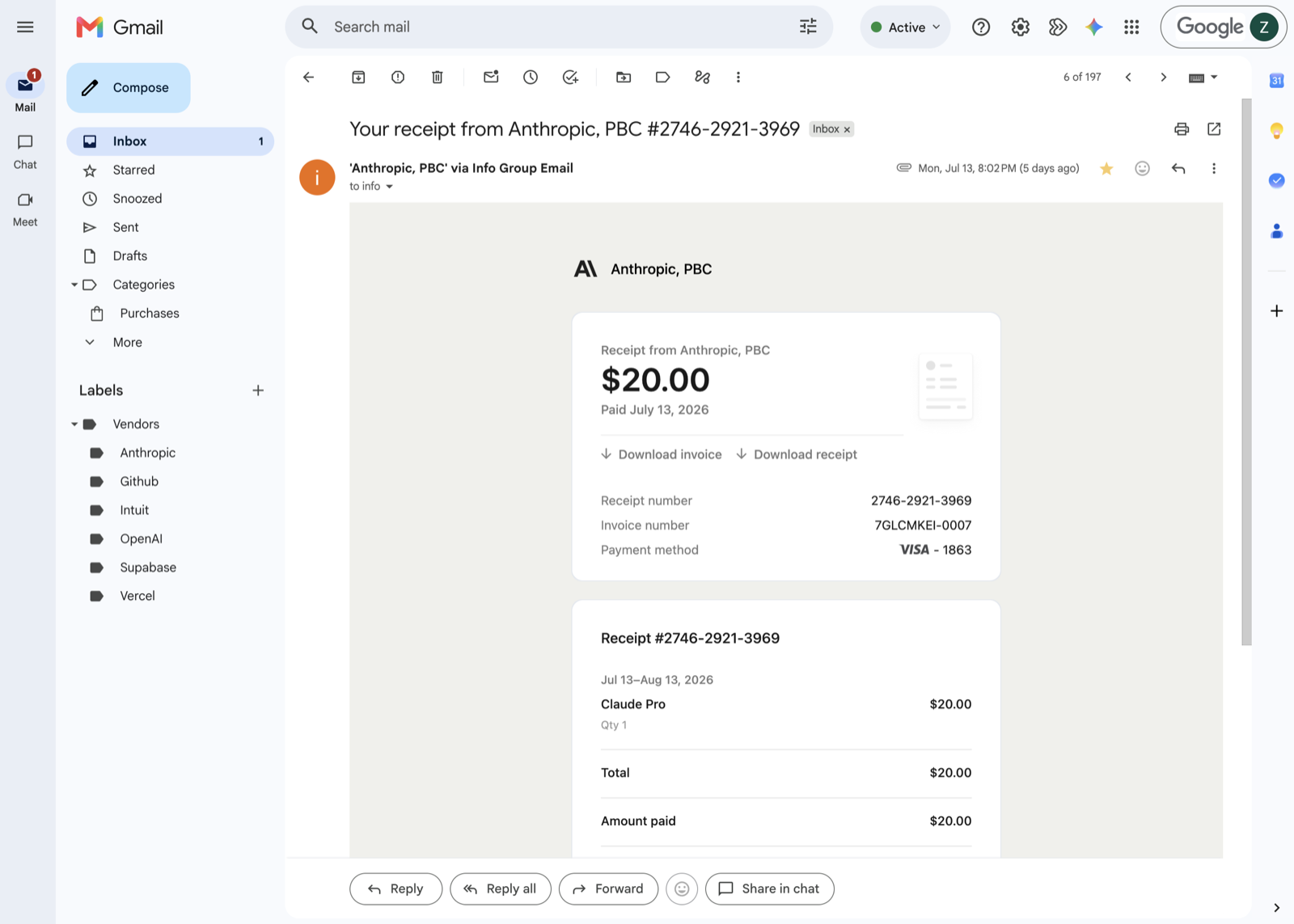
Anthropic, PBC
Anthropic, PBC
Receipts are in the truck. Invoices are on the counter. PDFs are in your inbox or behind a login. APStack brings all of it into one clean queue.
Scattered. Manual. Easy to miss.
One intake. One trail. Organized and understood.
Stop rebuilding each Bill from scattered documents.Review the source, approve the entry, and confirm it in QuickBooks.
Ask Ava once. She saves the preference, applies it to the workflow, and keeps future AP cleaner.
Ava in the workflow
ap$88.24
Review receiptNeeds your eye
Category
Treatment
What APStack pulled
Receipt · Gmail
RC-8842 · $88.24
Suggested GL
6200 - Software
Matched the last Google receipt.
$88.24
PostedPosted to QuickBooks
Tax included in receipt total.
Posted to Software.
Next Google receipt
Ava applies the saved tax rule before it pauses again.
Evidence matching
APStack matches each incoming document to the same purchase trail.
Matched evidence · Gmail
PO
PO-1048
$342.72
Bill
HB-2241
$342.72
Receipt
RC-2241
$342.72
Duplicate prevention
The real invoice can keep moving. The later extraction gets the warning, and you can see where the original went.
$1,712.00
Post$1,712.00
Original already in Ready to post.
Statement handling
The dashboard gives the fast path and the detailed path without hiding what will happen.
Statement lines need bills.
9 listed · 9 missing
Vendor memory
APStack remembers coding, payment accounts, evidence patterns, and the rules Ava saves for each business.
$73.16
PostSuggested GL
Software & Subscriptions:Domain/Hosting
Why ready
Looks like their usual bill.
Ava remembers
Less review every week because APStack remembers the work.
No training project required. APStack starts from the work you already do and learns from verified approvals and corrections.
Every approval teaches APStack how your business codes. The next invoice from the same vendor starts closer to ready.
GL accounts, categories, and payment patterns are remembered across every review. You stop re-entering the same decisions.
Duplicate invoices, mismatched totals, and receipts that belong to an old bill surface before they reach QuickBooks.
Take a photo, text Ava, upload a file, or connect the inbox you already use. Every route keeps its source and lands in the same review queue.






Every plan includes invoice intake, extraction, vendor history, duplicate checks, approval, and QuickBooks posting. Start free with 20 documents each month. No card required.
Start here
$0
20 documents each month
Try Ava with your real AP.
No card required.
For lighter AP
$29/mo
50 documents each month
Keep a lighter AP workflow moving.
Monthly. Cancel anytime.
Add up to 22 more documents for $0.90 each when you need them.
Recommended
$49/mo
100 documents each month
Make Ava part of your monthly workflow.
Monthly. Cancel anytime.
Add up to 65 more documents for $0.75 each when you need them.
For active AP volume
$99/mo
250 documents each month
For businesses with active AP volume.
Monthly. Cancel anytime.
Add up to 165 more documents for $0.60 each when you need them.
APStack receives bills, receipts, and statements before they reach QuickBooks. It prepares the record, flags missing details or possible duplicates, and posts only after approval—with the source attached.
No. APStack sits in front of QuickBooks. It handles intake, organization, review, duplicates, receipt matching, and approval — so QuickBooks receives finished work, not raw documents.
Most businesses can connect QuickBooks and try a first document in about five minutes. Take a photo, upload a file, text Ava, or connect an inbox. Ava prepares the record for review; you stay in control of anything sent to QuickBooks.
Yes. APStack is built for the reality that bills come in as email attachments, forwarded PDFs, text messages, uploaded files, and vendor portals. Every source normalizes into one queue.
That works. Take a clear photo and text it to Ava, or open APStack on your phone and use Receipt Run to capture a stack of paper receipts. Each one enters the same review workflow as email and uploaded files.
Yes. Gmail and Outlook are live. APStack connects to your existing email — you don't change how vendors send to you.
Inbox to books
Take a photo, upload a file, text Ava, or connect email. APStack catches it, checks it, and posts the approved record cleanly to QuickBooks.
No card required · No installation · No demo needed